Toca Boca World
Educational4.4 out of 5
For Android & iOS · Play Piknik
 Analysis by Gamesive
Choosing an educational game for a young child is less about finding the most complicated activity and more about picking something they’ll enjoy returning to. Sago Mini World: Kids Games is designed for babies, toddlers, and children aged two to six, with a focus on safe, fun, ad-free play. I’d consider it for families looking for a playful option for early childhood, especially when a parent wants a game that feels welcoming rather than demanding.
Before settling on any educational game for kids, I’d think about the child’s age, how they like to play, and what role you want a screen activity to have. Some children enjoy open-ended play, while others prefer clear puzzles or lessons with a specific goal. A good fit should make it easy for a young player to engage without turning every moment into a test.
Sago Mini World is aimed at a clearly defined early-years audience: children from age two through six. That makes it easier to judge whether it belongs in your shortlist. It is not presented as a game for older children seeking complex challenges; its appeal is its child-focused approach and emphasis on fun. The age rating is Everyone, which may also help parents quickly understand its broad suitability.
I’d also weigh the experience against your family’s preferences around advertising and spending. The game is described as ad-free, a welcome quality when you want a child’s play session to feel less interrupted. It is free to download, but it includes in-app purchases ranging from $0.99 to $79.99 per item. That makes it sensible to review purchase settings with care before handing a device to a child.
The educational label is useful, but it doesn’t mean every child will experience the game as a lesson. The store description emphasizes safe, fun play for young children, and that points toward an experience where enjoyment is central. In my view, that can be a strength: children are often more willing to explore when a game feels inviting instead of like extra schoolwork.
Parents looking for a particular curriculum, structured practice, or a measurable learning path should compare those needs with what they want from a game. Sago Mini World may suit a family seeking playful screen time, while another educational app may be a better match for a specific subject or skill. The right choice depends on whether you want relaxed engagement or a more explicitly instructional experience.
The clearest advantage is its focus on young children. A game built for babies, toddlers, and kids aged two to six is easier to assess than a general-purpose title with a wide, mixed audience. I like that the intended age range is easy to understand, because it gives parents a practical starting point when deciding whether the tone and level are appropriate for their household.
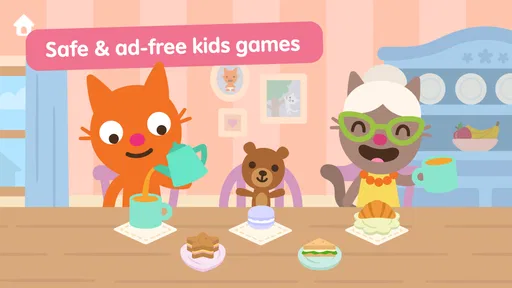
The ad-free positioning is another meaningful point in its favor. Ads can distract children, interrupt play, or prompt questions at awkward moments. An experience described as ad-free removes that particular concern from the decision, although parents should still pay attention to in-app purchases. For families who prioritize a calmer digital environment, that distinction may make this game more appealing than alternatives that rely on advertising.
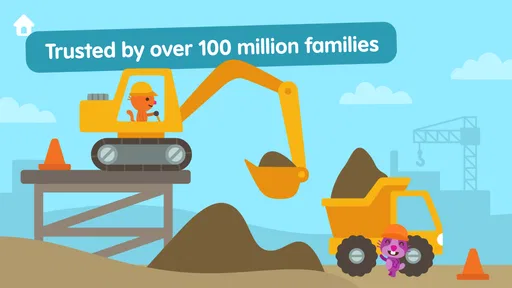
Its reach suggests that many families have at least tried it. Sago Mini World has more than ten million installs, and its average rating is 3.6 from around 49,000 ratings. Those figures offer context, not a guarantee that every child will love it. I’d treat them as a sign of broad visibility, then make the final call based on the child’s age, interests, and how the game fits into your routine.
A rating in the mid-threes points to a mixed overall response rather than universal enthusiasm. That isn’t unusual for a children’s game: families differ in what they expect, and a young player’s interest can depend on personality as much as the app itself. The 3.3K reviews provide a larger pool of opinions to browse if you want to understand the kinds of experiences other users describe.
I wouldn’t use a rating alone to decide whether to install a game for a toddler. Instead, I’d look for comments that match your own priorities: age suitability, how a child responds to the style of play, and whether the purchase model feels comfortable. Reviews can help you spot patterns, but your own family’s needs should remain the deciding factor.
For parents seeking an ad-free game for toddlers, the stated approach is a strong reason to take a closer look. For a child who enjoys playful exploration and a gentle presentation, Sago Mini World may be a natural candidate. Its educational category also makes it relevant to families looking for screen time they can frame as more than passive entertainment.
On the other hand, a child who prefers a clear sequence of lessons, competitive goals, or more advanced challenges may be better served by another kind of game. That does not make Sago Mini World a poor choice; it simply reflects how much children’s preferences vary. I’d think of it as one option in the wider world of early-learning play, not as a one-size-fits-all answer.
Alternatives fall into several broad categories. Some focus on subject-based practice, some guide children through structured activities, and others are designed mainly for open-ended entertainment. Without assuming that one style is automatically superior, I’d match the format to the child: a learner who enjoys a clear task may appreciate structured practice, while a child who likes to explore may prefer a more playful experience.
Families who want a highly specific educational focus might compare Sago Mini World with games centered on a single subject or skill. If your goal is to support a particular learning routine, that narrower emphasis may be more useful. If your priority is a child-friendly game for general play, Sago Mini World’s broad early-childhood positioning may be more appealing.
There are also choices for families who are especially cautious about optional spending. The free download makes it easy to begin considering the game, but the presence of in-app purchases means it is worth checking the available options and managing device purchase controls. A title without in-app purchases may better suit households that want a simpler spending arrangement. This is a matter of fit, not a reason to dismiss the game outright.
Similarly, if your child is older than the intended age range or already wants more demanding gameplay, another title may hold their attention for longer. A game designed for very young children can feel too simple to a player who has moved on to more complex challenges. I’d use the stated age range as a useful guide, while remembering that children develop interests at different speeds.
If your child already enjoys a different educational app, switching is worth thinking through rather than doing automatically. Ask what the current game does well: perhaps it offers structure, a favorite theme, or a familiar routine. Then consider whether Sago Mini World offers the kind of play you actually want to add. A new title is most useful when it fills a genuine gap instead of simply replacing something the child already likes.
The practical cost of switching is mostly about attention and routine. A young child may need time to settle into a different experience, and parents may need to explore the app together before deciding how well it works at home. I’d introduce it as another option rather than promising that it will be a perfect replacement. That gives the child room to respond naturally.
Because the game is free to download, trying it does not require paying an upfront price. Still, the in-app purchase range matters when evaluating the overall experience. Before a child uses it independently, I’d check the device’s purchase controls and decide what boundaries make sense for your family. That small bit of preparation can make a trial more comfortable.
Overall, Sago Mini World is worth considering for families with very young children who want an ad-free, playful game with an early-childhood focus. Its target audience is clear, the download is free, and its broad reach shows that it has attracted many users. The moderate average rating is a reminder to keep expectations realistic and to consider the child’s individual tastes rather than assuming a popular app will suit everyone.
I’d put it on the shortlist if your child is within the intended age group and you want enjoyable screen time that is presented as safe and child-focused. I’d look elsewhere if you specifically need a structured course, a clearly defined subject program, or a game for an older child looking for greater complexity. Those alternatives may align better with your goals, even if Sago Mini World remains a sensible choice for younger players.
The main decision is whether its style fits your household: playful early-years entertainment, an ad-free experience, and optional purchases to keep in mind. With those points considered, it can be a promising addition for a young child who enjoys exploring games. I’d try it thoughtfully, keep purchase settings in view, and let the child’s response tell you whether it deserves a regular place in their playtime.
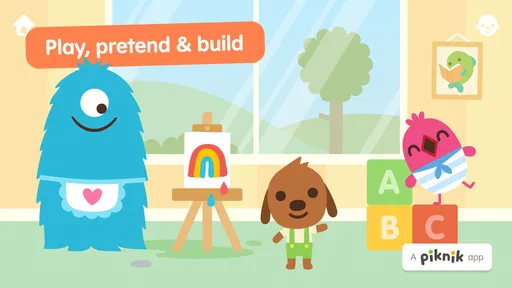
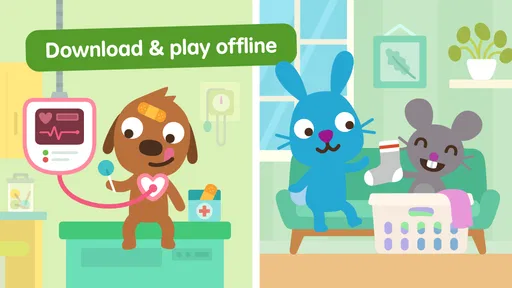
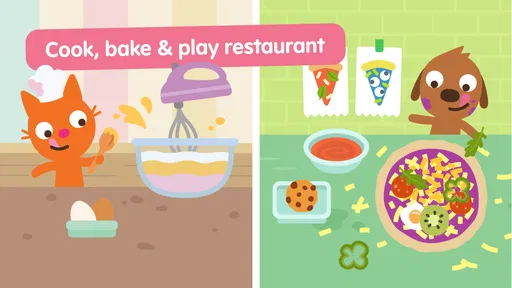
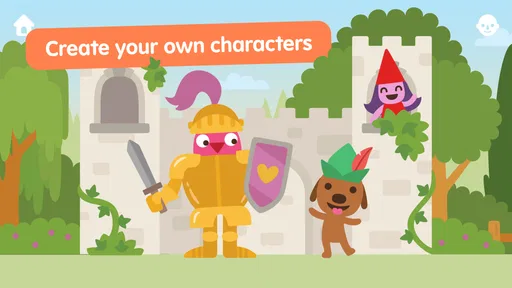
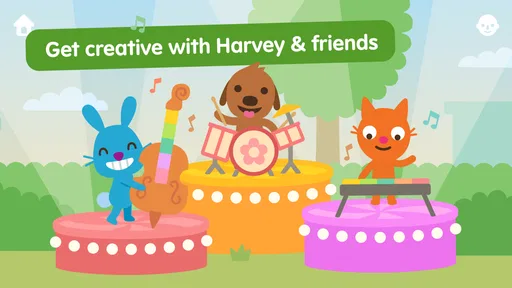
Sago Mini World is a collection of playful activities designed mainly for young children. Kids can explore colorful places, meet friendly characters, and try activities involving pretend play, puzzles, drawing, and discovery. Rather than focusing on scores or competition, the app encourages open-ended exploration. The range of content may change as the app is updated, so check its store listing for the current selection and supported devices.
The app is intended for young children, but the right age depends on a child’s interests and how much help they need to use a touchscreen. Its activities are generally designed to be approachable and exploratory, though some children may benefit from an adult introducing the controls or playing alongside them. Review the age guidance on the relevant app store and preview the content to decide whether it fits your family.
Sago Mini World may offer access through a paid subscription, and the available plan, trial terms, and pricing can vary by country, platform, or promotion. Before downloading or starting a trial, review the purchase details shown in the App Store or Google Play, including renewal timing and cancellation instructions. Store listings can also change, so confirm what is included and whether any content is available without a subscription.
Some content may need to be downloaded or loaded while the device has an internet connection, so it is sensible to open the app and prepare the activities your child wants before travelling offline. Availability without a connection can depend on the device, app version, and whether the content has already been downloaded. Check the app’s current store information and test offline access in advance rather than assuming every feature will work without internet.
Sago Mini World is made for children, but parents should still review its privacy information, device permissions, and purchase settings before handing over a device. Use parental controls to prevent unintended purchases, and check the current store listing for details about data practices, subscriptions, and any online features. Availability and policies can change with updates, so an adult should periodically review the app and supervise use according to the child’s age.
On Android, Sago Mini World: Kids Games asks for these permissions.
3.6 out of 5
49,498 reviews
Educational · Play Piknik

Educational4.4 out of 5
Educational4.3 out of 5
Educational4.5 out of 5
Educational4.1 out of 5
Educational3.3 out of 5
Educational4.4 out of 5
Educational3.3 out of 5
Educational3.8 out of 5
Educational4.4 out of 5

Educational3.3 out of 5
Educational4.5 out of 5

Educational4.6 out of 5
Educational4.5 out of 5
Educational4.5 out of 5

Educational4.6 out of 5
Educational4.5 out of 5
Educational3.8 out of 5
Educational4.4 out of 5

Educational4.6 out of 5

Educational4.5 out of 5



Gamesive reviews games on its own and is not paid by developers for scores. We do not host game files: the download buttons open the official Google Play and App Store pages. Names, icons and screenshots belong to their owners.