Toca Boca Jr: Fun Kids Games
For Android & iOS · Play Piknik
- 3.3 out of 5Rating
- 1.75MReviews
- 100.00M+Downloads
- EducationalGenre
Game details
- Version
- 4.6.0
- Updated
- Requires
- 9
- Price
- Free
- Age rating
- Everyone
- In-app purchases
- $7.99 - $79.99 per item
Screenshots
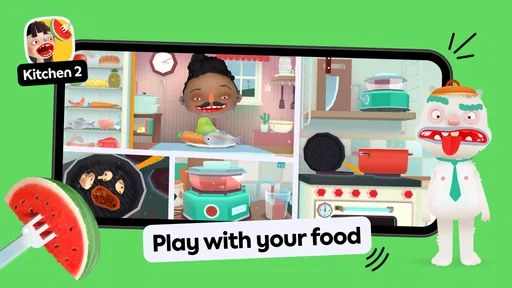
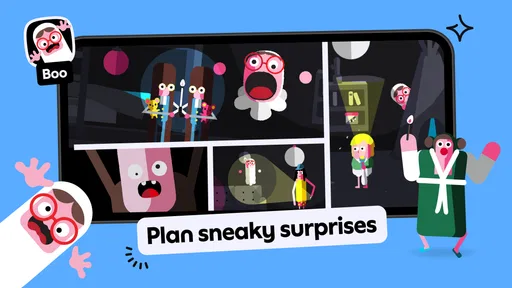
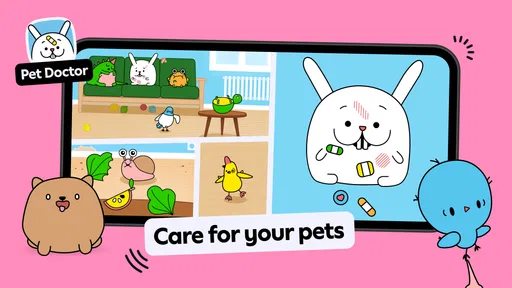
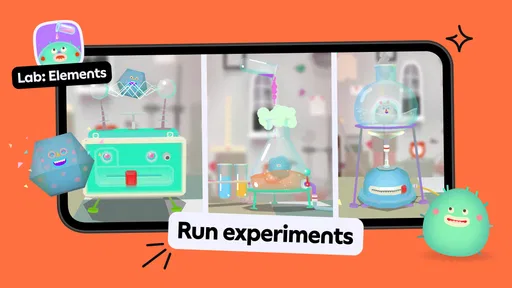
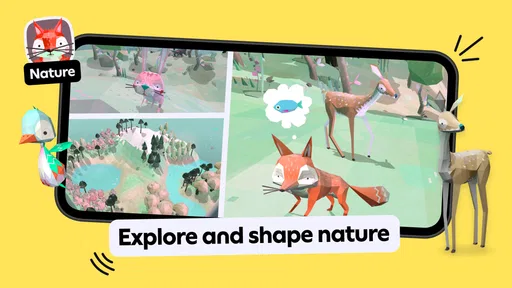
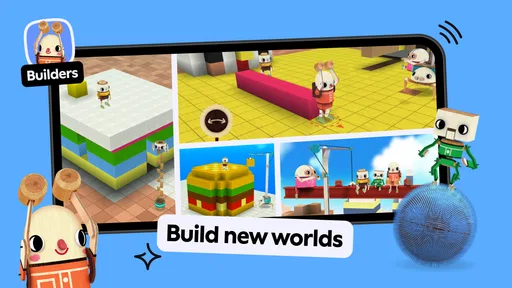
Toca Boca Jr: Fun Kids Games review
 Analysis by Gamesive
When I hand a young child a tablet, I want the first few minutes to feel approachable rather than like a lesson with instructions to get through. Toca Boca Jr: Fun Kids Games is an educational game for children, and its appeal is the freedom to tap, explore, and make things happen without needing to follow one correct route. That makes it a different kind of screen-time choice from a letter-drill or puzzle app: the experience is driven more by curiosity than by a score.
Starting with a tap, not a tutorial
The basic appeal is easy to understand even for a child who is still learning to use a touchscreen. They can try an action, watch the scene respond, and try something else. I like that low-pressure rhythm for children who want to explore on their own, as well as for a parent who wants to sit nearby and talk about what is happening rather than constantly explain what to do next.
The game is made by Play Piknik and is aimed at children from ages two to eight. That is a broad developmental range, so I would not expect a toddler and an older child to use it in exactly the same way. A younger child may be satisfied by simple cause and effect; an older one may bring more imagination to play and invent little stories around what they see. The useful question is not whether every child will enjoy every moment, but whether open-ended play suits the child in front of you.
As a practical first session, I would keep the tablet close and let the child lead. If they tap the same thing repeatedly, that can be part of learning how the interface reacts, not a sign that they are using it incorrectly. I would also watch for whether they can return to play after a brief distraction. With a very young child, a little guidance at the start can make the experience less frustrating without turning it into a parent-directed activity.
Feedback that invites another try
The strongest part of this kind of play is the immediate connection between an action and a visible response. A child presses, moves, or explores; something changes; then they decide whether to repeat the action or try another one. That feedback loop is more engaging than a screen that simply asks a question and marks the answer right or wrong. It gives children room to experiment without making mistakes feel like failure.
That freedom is also a trade-off. Children who enjoy inventing their own activities may find the open format absorbing, while a child who wants clear goals can lose interest because there is no obvious task to finish. If your child responds best to matching, counting, or tracing exercises with a defined outcome, a more structured learning app may be a better fit. I would treat this as creative play with educational value, not as a substitute for a focused lesson.
A small but useful way to get more from a session is to turn the child’s actions into conversation. Rather than taking over the screen, I would ask what they think will happen next, or invite them to describe what they just changed. That brings a real-world language opportunity into an activity that could otherwise become silent tapping. It works best when the questions stay light; too much prompting can interrupt the child’s own ideas.
What makes the loop rewarding
Here, the reward is less about collecting a prize and more about seeing an experiment work. A child may repeat an action because the response amused them, or continue exploring because they are curious about what else they can affect. That is a gentle incentive: the next moment of play comes from wanting to discover something, rather than from pressure to beat a timer or protect a streak.
I find that especially useful during short stretches of the day when a child needs an activity that can be picked up without a long explanation. For example, while waiting at home for dinner, a parent could offer a brief session and sit close enough to help if the child gets stuck or wants to share what they have made. It is not a promise of quiet, uninterrupted time, and I would not use it as a stand-in for attention. Its better role is a shared or supervised activity that gives a child something to explore.
It is worth setting expectations about learning, too. The game’s educational category does not mean every session will produce a measurable lesson or a neat result. I would choose it for playful exploration, creative thinking, and simple interaction rather than expecting it to teach a particular school skill on demand. If your main goal is practice in one subject, a focused app or an offline activity may serve that goal more directly.
Ending a session without a hard finish
Because the appeal is exploration rather than completing a course, a child can often stop when their interest fades instead of being pushed through a final level. That can make the game easier to fit into a short break. The other side is that open-ended play does not always provide a natural stopping point. A child who is deeply absorbed may resist handing over the device, so I would agree on a simple time boundary before starting and give a calm reminder when it is nearly time to stop.
There is another practical trade-off for families: the game is free to download, but it includes in-app purchases priced from $7.99 to $79.99 per item. I would check the purchase controls on the device before giving it to a child, and make sure they understand that tapping around is for play, not buying. That small preparation is more useful than waiting until a child has encountered a purchase prompt.
Parents may also wonder whether it is suitable for a household with children of different ages. Its stated age range is two to eight, and the Everyone content rating makes it broadly family-oriented, but age labels cannot predict an individual child’s patience or interests. I would let a younger child explore with an adult nearby and give an older child room to make up their own play, while checking whether either one is actually engaged instead of assuming the same activity will hold both.
How it fits beside other children’s games
Compared with the usual educational alternatives, such as apps built around flashcards, timed quizzes, or step-by-step exercises, this game puts less emphasis on demonstrating a correct answer. That is a strength for children who learn by poking at a world and noticing what changes. It is a weakness for parents who want a clear sequence, a progress measure, or a specific skill to practise each day. Neither approach is automatically better; the right choice depends on whether your child needs room to invent or a task to complete.
The app has a 3.3 average rating from around 1.7 million ratings, alongside roughly 64,000 written reviews and over 100 million installs. Those figures suggest a widely used game with mixed reactions, not a guarantee that it will suit every family. I would put more weight on how your child responds to the first few sessions: do they explore independently, share discoveries, or ask to return to it? If they need clearer objectives, the popularity alone is not a reason to persist.
Device fit and a sensible first trial
The current version is 4.6.0, and the minimum operating-system requirement is version 9. Before downloading, I would check that the device meets that requirement and has enough room for the game. The game was released on May 25, 2015, and its continued availability makes it a familiar option in the children’s app space, but what matters most for a family is still whether it runs comfortably on the device they actually use.
My recommendation is to try it as a short, observed activity rather than promising it will occupy a child for a long stretch. Notice whether the child understands how to interact, whether they enjoy the feedback, and whether they can stop with a reminder. That trial answers more than a generic label can: some children will quickly turn open play into a little world of their own, while others will look for instructions that never become the main point.
Who I would recommend it to
Toca Boca Jr: Fun Kids Games is a good candidate for families looking for a playful, low-pressure activity for young children who enjoy making things happen on screen. I especially like the action-feedback-retry rhythm: a child explores, gets a response, and has a reason to experiment again. The loop can stay interesting because the child supplies the next idea, not because the game demands another level.
I would skip it, or pair it with something more structured, if your child becomes frustrated without explicit goals, if you need targeted practice in a school subject, or if you want a screen activity that reliably ends itself. Its free entry makes it easy to consider, but the paid items and broad, open-ended style deserve a little parental attention. For the right child, though, the best part is simple: there is room to try, notice, and try again without every tap needing to count as a correct answer.
What we like
- Offers several child-friendly activities in one app
- Simple controls suit young players
- Encourages open-ended play without strict goals
- Bright visuals are easy for children to follow
- Parental controls help manage access and settings
What could be better
- Most content requires a paid subscription
- Some activities may feel repetitive over time
- An internet connection may be needed for downloads
- The app can take up substantial storage space
- Younger children may need help navigating menus
Frequently Asked Questions
What is Toca Boca Jr: Fun Kids Games?
Toca Boca Jr is a collection of child-friendly games and activities designed to encourage imaginative play, exploration, and simple problem-solving. Depending on the available version and subscription, children may be able to explore experiences such as caring for characters, creating stories, or trying playful activities. The games are generally designed for young players and do not rely on competition or traditional high scores, so children can explore at their own pace.
Is Toca Boca Jr suitable for young children?
The app is designed for children, with colorful visuals, simple interactions, and activities that are generally easy to understand without reading extensive instructions. Younger children may still benefit from an adult helping them choose activities and navigate the app, especially at first. Parents should also review the age guidance and privacy information shown in their region’s app store, since suitability can vary by a child’s age and individual needs.
Is Toca Boca Jr free to download and play?
The app may be free to download, but access to its full collection of games can depend on a paid subscription or other in-app purchase. What is included without payment, and the price or trial terms, may change by region, platform, or offer. Check the current App Store or Google Play listing before downloading, and review renewal and cancellation details carefully if you start a subscription or free trial.
Can children play Toca Boca Jr offline?
Some activities may be available without an internet connection after the app and required content have been downloaded, but offline access is not guaranteed for every game or feature. An internet connection may be needed for initial setup, downloads, subscription checks, or updates. If you plan to use the app while traveling, open it beforehand and test the activities you want to use, and check the current listing for any connectivity requirements.
Does Toca Boca Jr include ads, in-app purchases, or parental controls?
The app’s commercial features and family settings can depend on the current version and how it is accessed. A subscription or in-app purchase may be required for some content, so adults should check the store listing and purchase settings before handing over a device. Review the app’s privacy details and device-level parental controls as well; these can help manage purchases, screen time, and access to downloads.
Permissions
On Android, Toca Boca Jr: Fun Kids Games asks for these permissions.
- Photos/Media/Files
- read the contents of your USB storage, modify or delete the contents of your USB storage
- Storage
- read the contents of your USB storage, modify or delete the contents of your USB storage
User reviews
3.3 out of 5
1,747,426 reviews
- 49%
- 6%
- 6%
- 5%
- 34%
Download Toca Boca Jr: Fun Kids Games
Educational · Play Piknik · Free
Games like Toca Boca Jr: Fun Kids Games
View all: Games like Toca Boca Jr: Fun Kids Games
Coloring Games: Color & Paint
Educational4.4 out of 5
Toca Boca World
Educational4.4 out of 5
Baby Games: Piano & Baby Phone
Educational4.4 out of 5

PBS KIDS Games
Educational4.3 out of 5
About this listing
- Game
- Toca Boca Jr: Fun Kids Games
- Developer
- Play Piknik
- Package
- com.tocaboca.tocakitchen2
- Version reviewed
- 4.6.0
Gamesive reviews games on its own and is not paid by developers for scores. We do not host game files: the download buttons open the official Google Play and App Store pages. Names, icons and screenshots belong to their owners.