
Piano Game: Classic Music Song
Music4.0 out of 5
For Android & iOS · Orange Studios Games
 Analysis by Gamesive
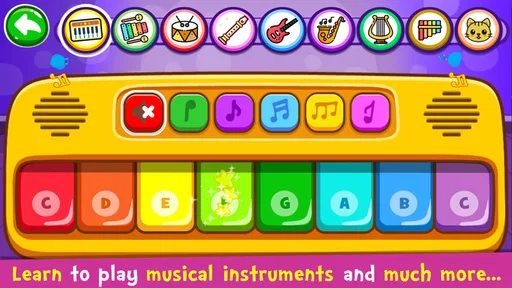
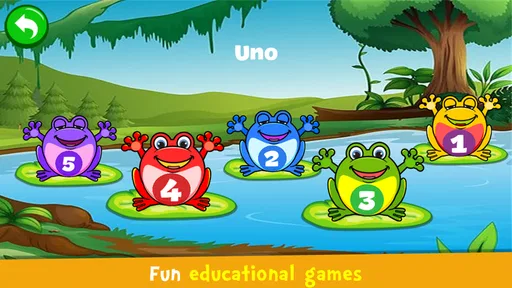
I’d hand Piano Kids - Music & Songs to a young child who wants to explore music without the pressure of lessons. It turns a phone or tablet into a bright, touch-friendly musical play space, and the mix of piano activities and games gives little hands more to do than simply tap at a keyboard. In my view, its best use is short, cheerful play with an adult nearby—not a replacement for a real instrument or a structured music course.
As a music game from Orange Studios Games, Piano Kids is aimed at children and families rather than players seeking a serious rhythm challenge. The appeal is immediate: a child can start exploring sounds and song-based activities without first learning music notation or navigating a complicated set of controls. That low barrier matters when the goal is to encourage curiosity, not test patience.
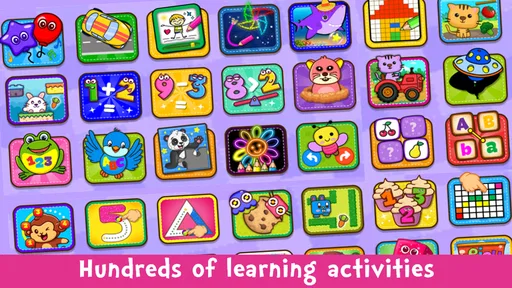
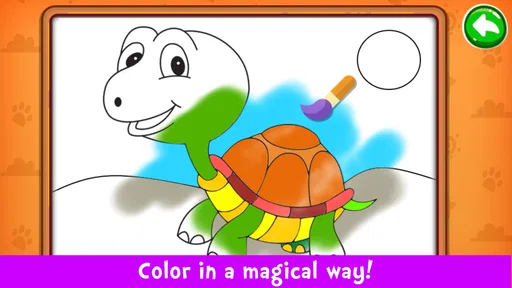
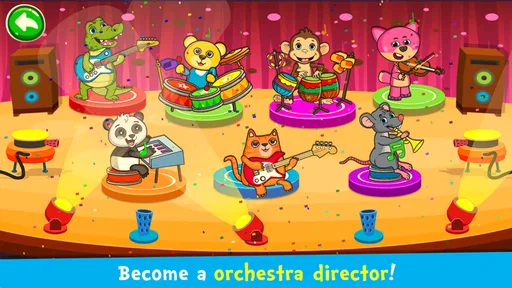
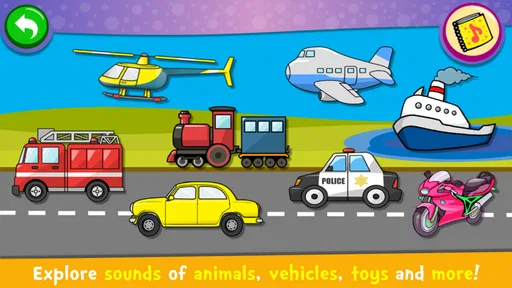
The game’s broad collection of learning activities makes it more useful than a bare virtual piano for a child who quickly loses interest in repeating the same action. The store summary points to more than 150 games, which suggests a wide range of things to try. I would still treat that breadth as a menu for casual discovery rather than assume every activity teaches a distinct musical skill. The practical value is that a parent can offer a change of pace when a child is done with piano tapping.
It is free to install, with in-app purchases listed at $3.99 per item. That makes it easy to try before deciding whether it earns a place on a child’s device, but I’d check the purchase setup before handing over a phone. A free game can still create friction if a young player encounters a purchase prompt or expects every option to be available without payment.
This is built for quick interaction rather than long loading screens or elaborate sessions. A child can open it during a quiet moment at home, tap around for a while, and stop without needing to remember a complicated campaign or finish a lengthy level. That makes it a natural fit for a short wait before dinner or a calm activity while an adult is nearby.
For a useful first session, I’d sit with the child and let them try the piano before moving through the other activities. This gives them a familiar starting point and makes it easier to see what holds their attention. If they jump rapidly between options, I’d suggest choosing one activity at a time; otherwise, the variety can become more like menu browsing than focused play.
I wouldn’t promise that every device will feel equally quick. Responsiveness depends in part on the phone or tablet, and the game’s appeal relies on tapping and hearing a prompt response. If an older device feels sluggish, closing other demanding apps and restarting the game is a sensible first step. That is general device housekeeping, not a special performance setting inside the game.
The heavier-use moment is not an intense gaming session so much as a child repeatedly switching among activities, sounds, and songs. That can be entertaining, but it may also turn into noisy, scattered play. I find the game works better when an adult sets a simple aim—try the piano for a few minutes, then pick one other activity—than when it is left open as an unlimited stream of stimulation.
It can also serve as a low-pressure way to introduce musical attention. Ask a child to listen to a sound, repeat a short pattern, or notice how tapping different keys changes what they hear. These are small prompts an adult can add while playing; they do not require treating the app as a formal lesson. The key distinction is that the game can support curiosity, while a teacher or instrument is better for building reliable technique and musical discipline.
For shared play, I’d use a tablet when available. A larger screen can make it easier for a child to see and reach the on-screen controls, especially if an adult is sitting beside them. On a phone, the same activity may be more portable, but small touch targets and a crowded screen can make it less comfortable for two people to watch together. The device size is therefore a practical trade-off, not just a matter of preference.
The game has a long-running presence, having been released in 2016, and its current version is 3.81. It averages 4.3 from 733K ratings, with 5.9K written reviews and more than 100 million installs. Those figures show that many people have tried it, but they cannot guarantee that it will behave perfectly on every device or suit every child.
If the game freezes or stops responding, I’d first close and reopen it, then check whether the device has enough free space and is running a compatible system. Its minimum operating-system requirement is Android 6.0, so an older Android device below that level is not a good candidate. Restarting the device is a reasonable next step if the issue continues. I’d also make sure a child’s progress or current activity is not something they expect to preserve before force-closing; a quick-play app is best approached with the assumption that an interruption may end the current session.
Stability is especially important for a child-facing game because an abrupt interruption can be more frustrating than it would be for an adult. I would test it once on the device the child will actually use, rather than rely on how it behaves on a different phone. That simple trial also lets a parent check sound level, screen comfort, and whether the child can move between activities without help.
Piano Kids is rated Everyone, so its intended audience is broad, but a child’s age and patience still matter. A preschooler may enjoy immediate sound-making with an adult guiding the choices; an older beginner who wants to learn hand position, timing, or music reading may quickly outgrow it. The game is most convincing as a playful introduction, not as a digital substitute for a keyboard lesson.
Compared with a plain piano app, it offers more variety for a child who needs songs and games to stay engaged. Compared with a dedicated music-learning app, it is likely the more casual choice: I would favor a structured lesson tool when the family’s goal is a planned progression, and a real keyboard when the child is ready to practice with both hands and develop technique. The advantage here is easy, informal exploration; the trade-off is that entertainment and guided learning are not the same thing.
Parents should also think about where the device will be used. If a child is playing in a shared room, a lower volume or headphones used with supervision can keep the sound from taking over the household. If the aim is a quiet activity during travel, test the game beforehand and avoid relying on it as the only way to occupy a child. A small screen, interruptions, or a child’s changing interest can all make a backup activity useful.
I’d recommend Piano Kids - Music & Songs to families looking for an accessible way to let children experiment with musical sounds and switch between playful activities. Orange Studios Games has made a free option with a wide audience: it has 100M+ installs, a 4.3 average rating, and an Everyone age rating. Those details make it easy to understand why families give it a try, though they are not a substitute for checking that it suits your child and device.
Its limitations are worth keeping in view. The variety can encourage unfocused hopping, a phone may feel cramped for shared play, and a child who wants systematic instruction will need something more deliberate. In-app purchases also make adult setup sensible before a child plays independently. For a short, supervised burst of musical exploration, though, I think it earns its place. I’d use it to spark interest, then follow that interest with singing, clapping, or time on a real keyboard when the child wants to go further.
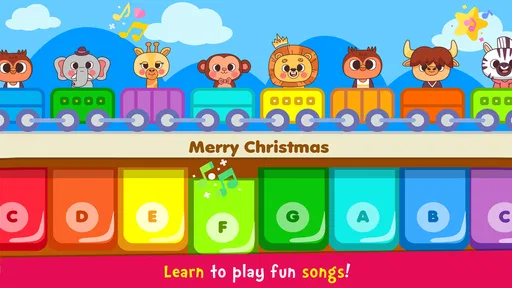
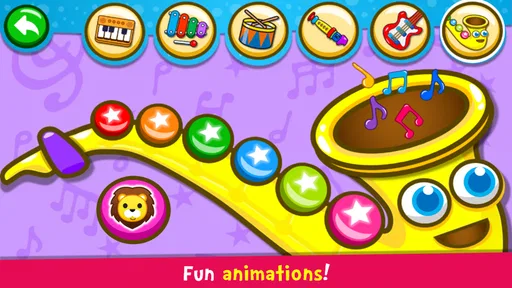
Piano Kids - Music & Songs is a child-focused music app that lets young users explore a virtual keyboard, play simple melodies, and interact with playful sounds. It is intended mainly for children and beginners rather than people looking for advanced piano lessons or professional music production. The activities can encourage curiosity about rhythm and instruments, though an adult may want to explore the app first and decide whether its content suits the child.
The app offers an accessible way to tap keys and experiment with music, and some activities may help children become familiar with notes, sounds, and simple tunes. However, it should not be treated as a complete piano course: it may not provide structured lessons, detailed technique guidance, or a progressive curriculum like a dedicated teaching app. It is best viewed as a playful introduction to making music, with an adult or teacher supporting further learning.
The app is aimed at children, but parents should still review its current version before handing over a device. Check the store listing and in-app settings for details about advertisements, purchases, links to external content, and any privacy disclosures, since these can vary by version, region, or developer update. For younger children, supervised use and appropriate device-level parental controls are sensible ways to reduce accidental taps or exposure to content outside the music activities.
Basic play may be available offline once the app is installed, but availability can depend on the version and on whether particular sounds or features need to be loaded online. Some app functions, advertisements, updates, or external links may require a connection. If offline use matters, try the app in airplane mode after installation and check whether the activities you want remain accessible. The store description and recent user feedback can also clarify current requirements.
The app's price, advertising, and optional purchases may differ between Android and iOS, and they can change over time, so check the listing for your device before downloading. Also review the age guidance, permissions, compatibility requirements, privacy information, and recent reviews. Because the app is designed for children, consider whether ads or purchase prompts are present and set up parental controls to help prevent unintended spending or changes to device settings.
On Android, Piano Kids - Music & Songs asks for these permissions.
Piano Kids - Music & Songs is also available in 2 other languages on our site.
4.3 out of 5
733,046 reviews
Music · Orange Studios Games

Music4.3 out of 5

Music4.6 out of 5
Music3.1 out of 5
Music4.5 out of 5

Music4.2 out of 5
Music3.7 out of 5
Educational4.3 out of 5
Music4.0 out of 5

Music4.6 out of 5

Music4.3 out of 5

Music3.7 out of 5

Music4.4 out of 5

Music4.1 out of 5
Music4.6 out of 5

Music4.5 out of 5

Music4.8 out of 5

Music4.6 out of 5
Music4.0 out of 5
Music4.8 out of 5



Gamesive reviews games on its own and is not paid by developers for scores. We do not host game files: the download buttons open the official Google Play and App Store pages. Names, icons and screenshots belong to their owners.